
Mazda 6 Owners Manual: Distance Recognition Support System (DRSS) Display (Some models)
Displays the distance between your vehicle and the vehicle ahead.
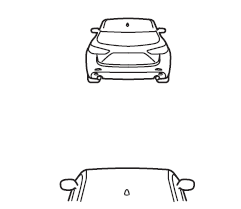
Refer to Distance Recognition Support System (DRSS).
 Blind Spot Monitoring (BSM) Display
Displays the system status.
Refer to Blind Spot Monitoring (BSM). ...
 Mazda Radar Cruise Control (MRCC) Display (Some models)
Displays the currently set system status.
Refer to Mazda Radar Cruise Control (MRCC). ...
Other materials:
Mazda 6 Owners Manual: Dsc hu/cm removal/installation
Caution
When replacing the DSC HU/CM, configuration procedure must be done
before removing the DSC HU/CM. If configuration is not completed before
removing the DSC HU/CM, DTC B2477 will be detected.
Do not drop the DSC HU/CM. Replace it if it is subjected to an
impact.
1. Configura ...
Mazda 6 Owners Manual: Clutch pedal adjustment
Clutch Pedal Height
Measure the distance from the upper surface of the pedal pad to the carpet.
If not as specified, adjust the pedal height by turning adjustment bolt
B and locknut A.
Pedal height(with carpet)
L.H.D.: 210-216 mm {8.27-8.50 in}
R.H.D.: 209-215 mm {8.23-8.46 in}
...