
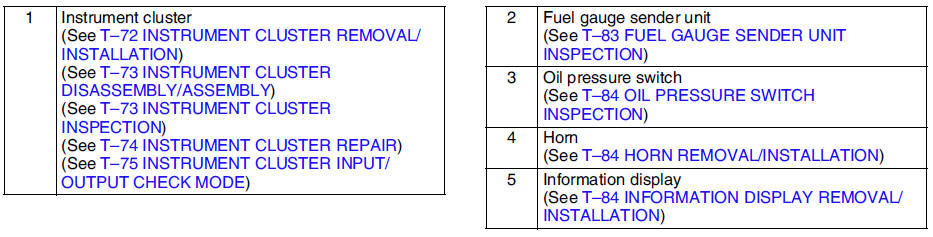
Mazda 6 Service Manual: Warning and indicator system



Other materials:
Mazda 6 Service Manual: Turn Signals
Move the signal lever down (for a left turn) or up (for a right turn) to the stop position. The signal will self-cancel after the turn is completed.
If the indicator light continues to flash after a turn, manually return the lever to its original position.
The turn signal indicators in ...
Mazda 6 Service Manual: Adjusting the Vents
Directing airflow
To adjust the direction of airflow, move the adjustment knob.
NOTE
When using the air conditioner under humid ambient temperature conditions,
the system may blow fog from the vents. This is not a sign of trouble but a
result of humid air being suddenly cooled.
The air ...
© 2016-2026 Copyright www.mazda6info.net